Assign Containers
Before assigning containers you first need to have created a shipment and registered your samples.
Normally for remote beamtime, your local contact will assign your pucks. Follow the below steps if loading yourself, and to check the correct assignment has been made.
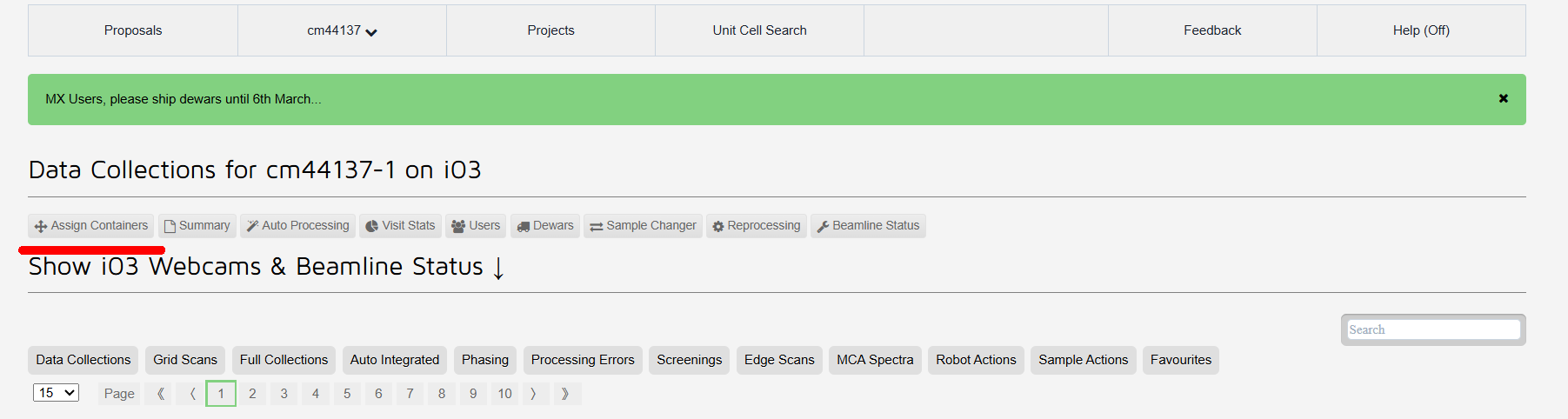
First go to your current visit, and in the top left, click the "Assign Containers" button.
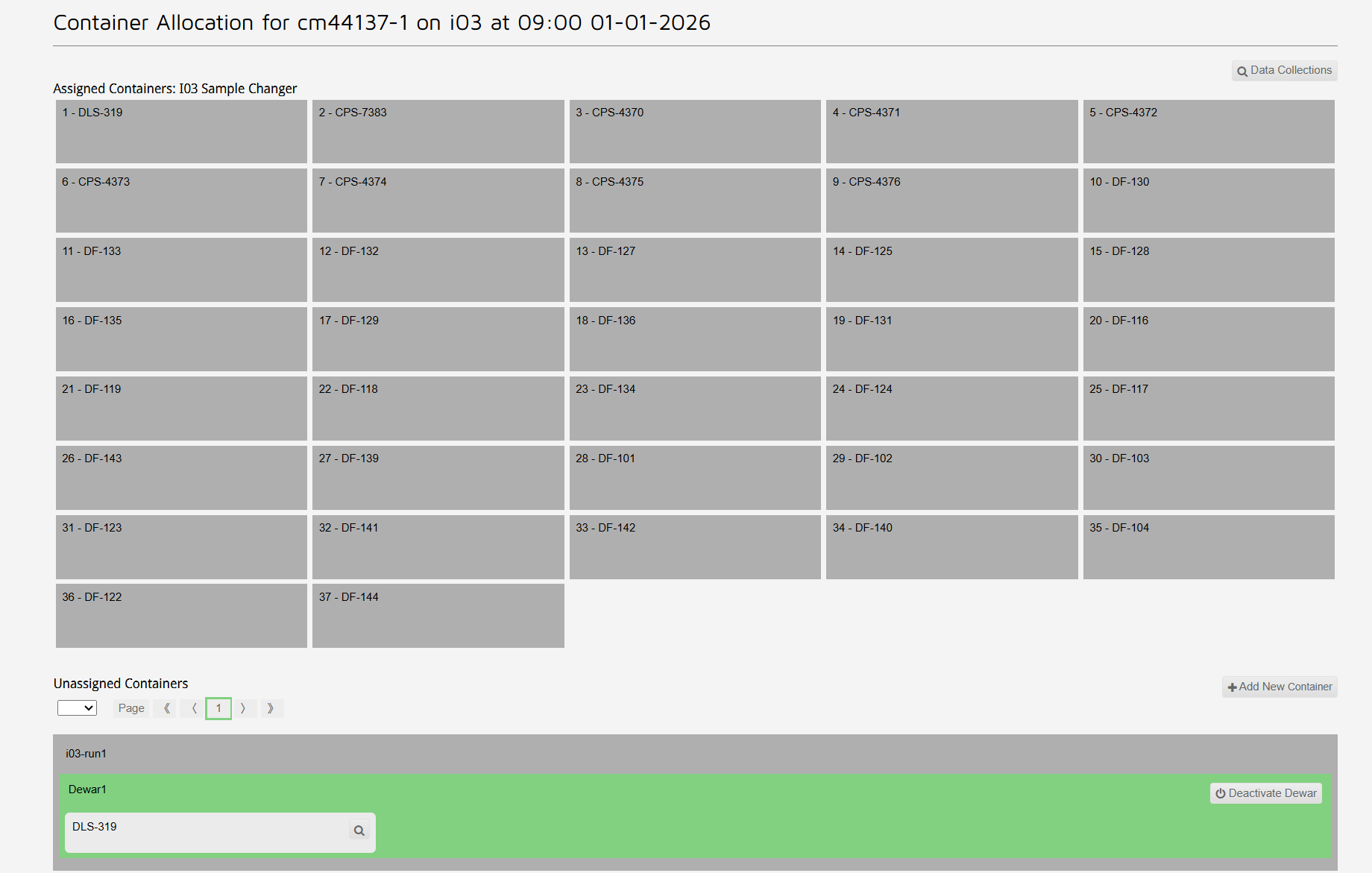
You will then be presented with the sample changer for the beamline, along with all of your dewars and their associated containers. Containers can easily be assigned to sample changer positions by simply dragging the container to a position on the sample changer.
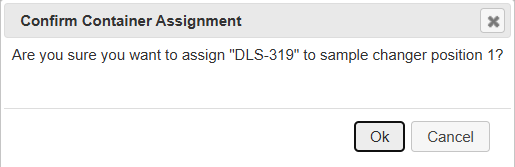
You will then be asked to confirm the assignment, click Ok and the container is then assigned to the position in the sample changer.
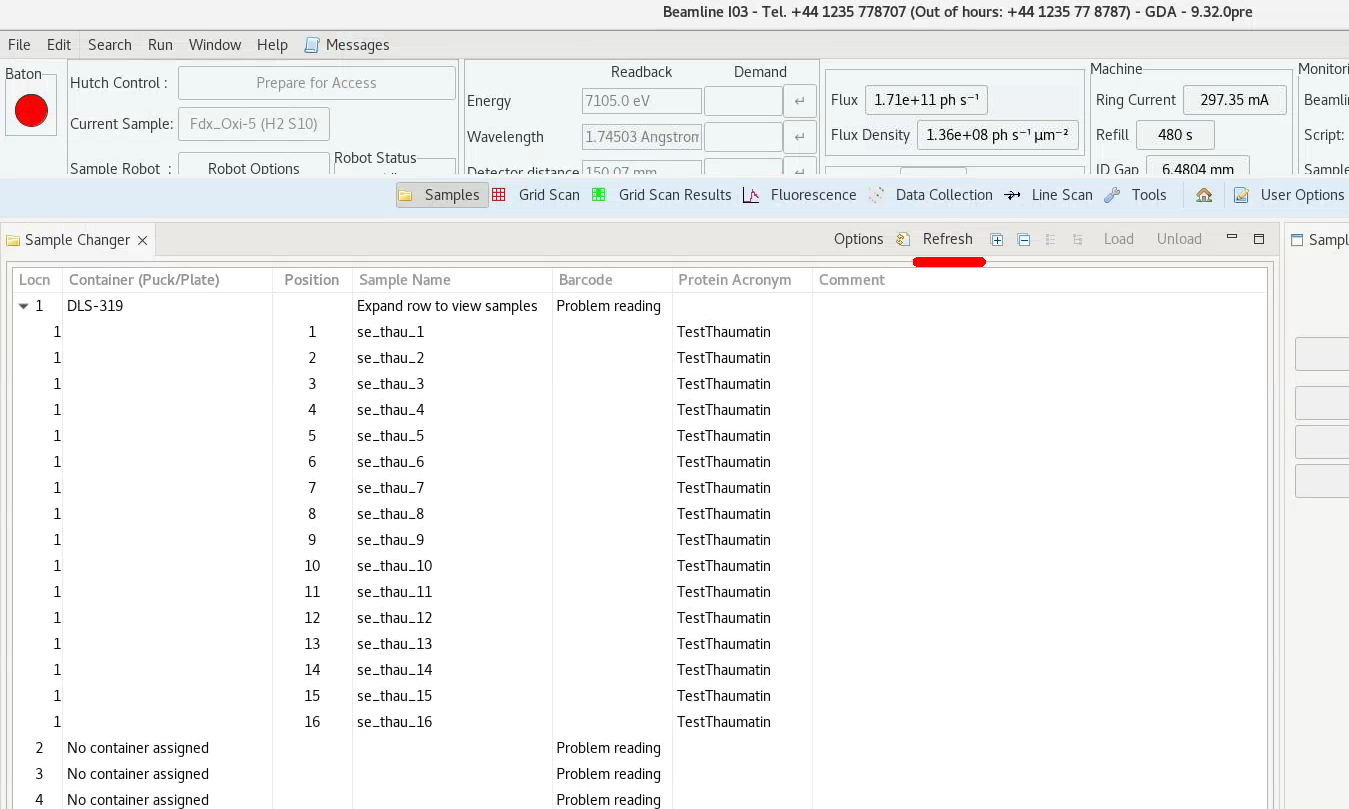
Finally the data in GDA needs to be refreshed. Click "Refresh" in the GDA client and your assignments from ISPyB should be pulled into the GDA client.