Using the Mini Kappa
In the RCP client kappa and phi values can be entered either in the data collection table or in the data collection form. If a value is changed in the table the form will be updated automatically and vice versa. Values can be entered within the allowed range, kappa: 0-250 deg, phi: 0-360 deg.
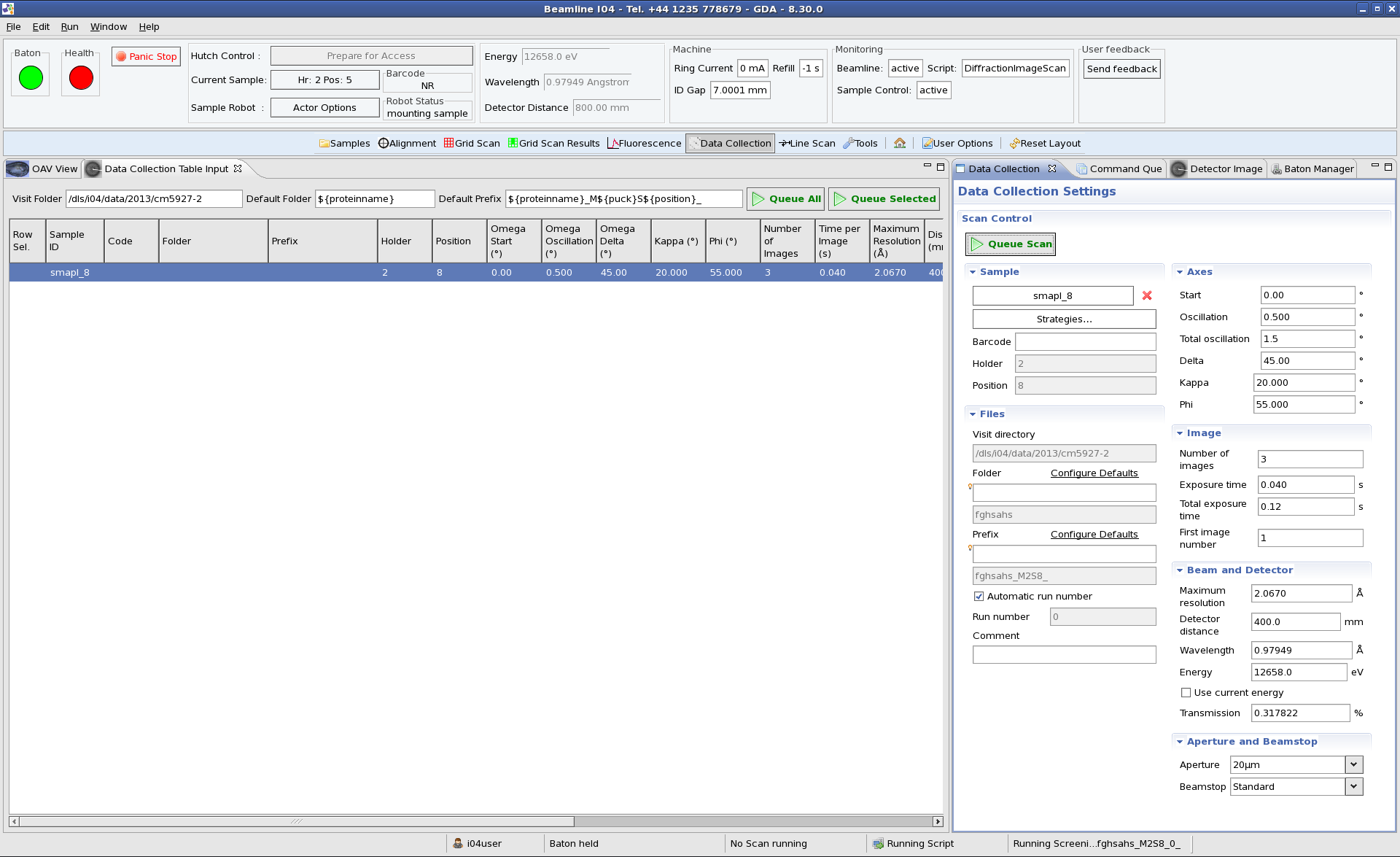
When a new sample is loaded the Keyence and OAV autocentring are run, then kappa is moved to 0 deg. If kappa/phi values which are different from 0 deg are requested in the data collection table, then a centring request pop-up window will appearand the user has to centre the sample in the Sample Control tab. This step is required because of the mechanical properties of the mini kappa which causes the sample to move away from the crosshair if kappa and/or phi are moved.

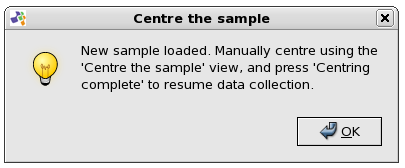
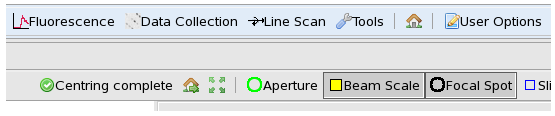
Once the user has confirmed that sample centring is complete by clicking the button, the data collection will continue.