Experiment Type Views
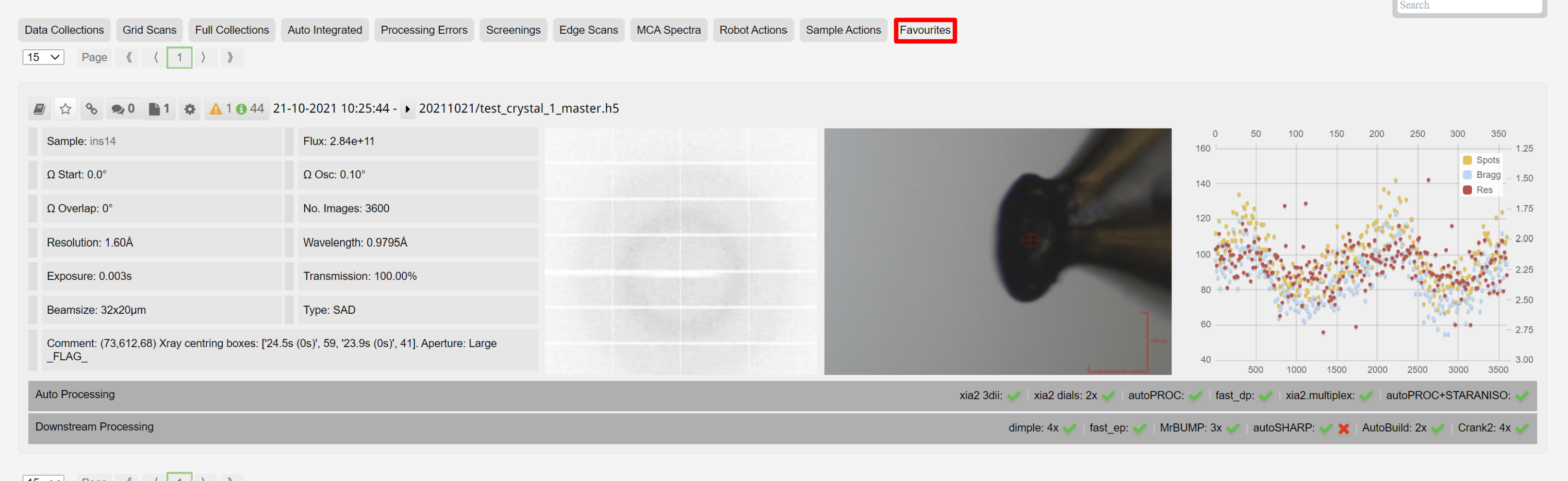
The main data view in ISPyB defaults to show all data collections. However, you can use these buttons to select a certain experiment type:
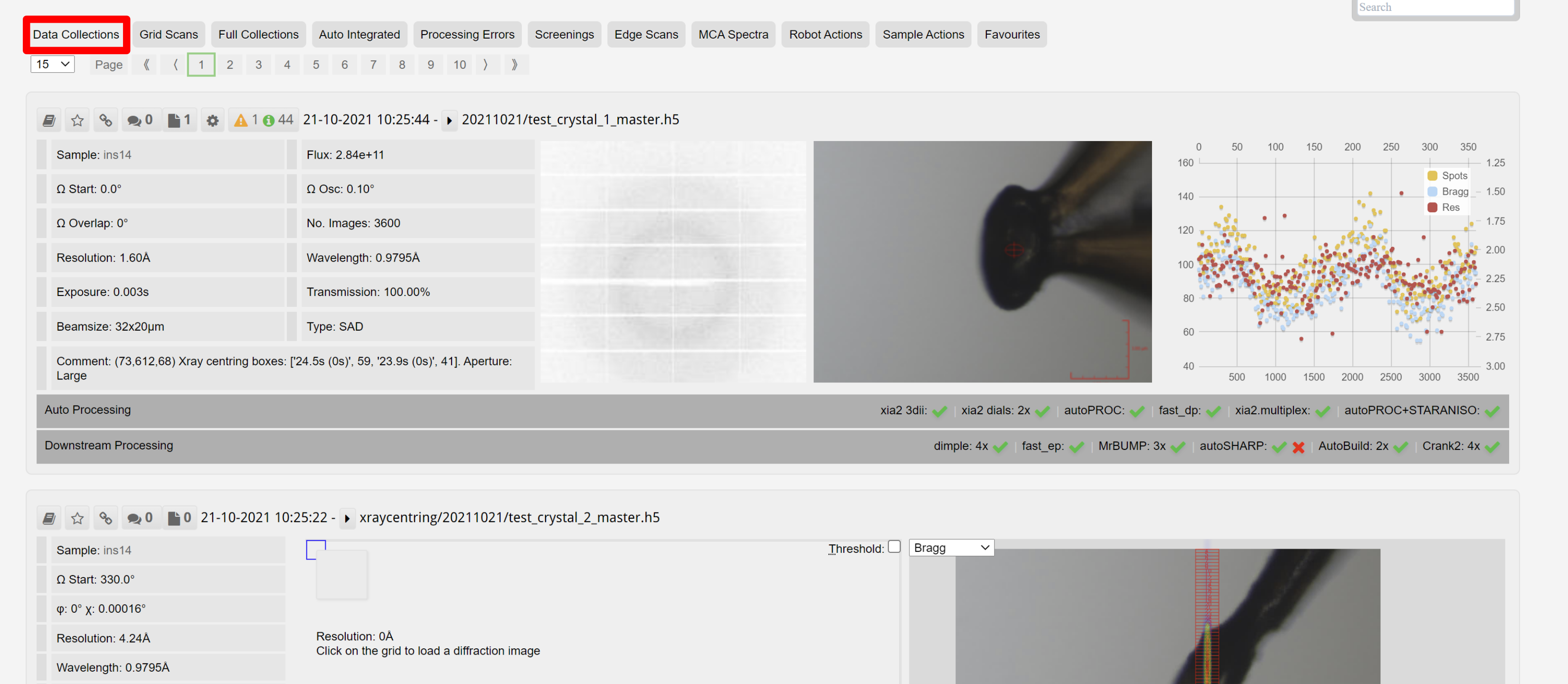
- Data Collections
- Grid Scans
- Full Collections
- Auto Integrated
- Phasing
- Processing Errors
- Screenings
- Edge Scans
- MCA Spectra
- Robot Actions
- Sample Actions
- Favourites
Clicking each button a second time will de-select it, and display all the datasets again.
1. Data Collections
Selecting this option selects any data collections that have been done, while excluding fluorescence scans and robot loading. Grid scans, and grid scans used for centring are included as well as full data collections.
2. X-ray Centring & Grid Scans
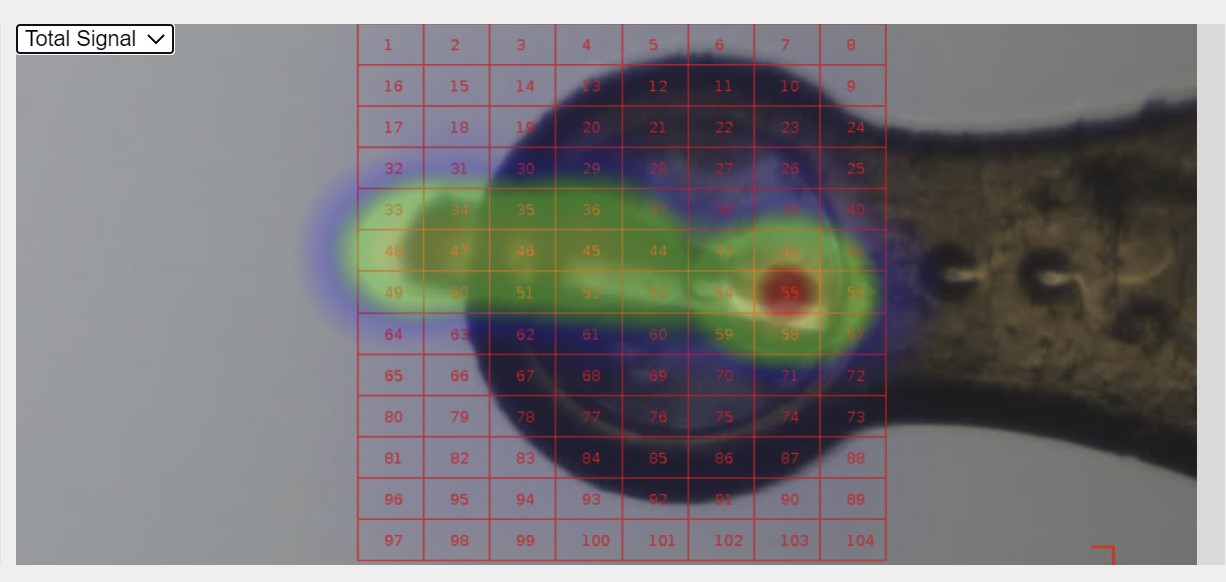
ISPyB shows a preview of grid scans and the diffraction measured in those grid scans. If X-ray centring is being used then two grid scans, taken at 90 degrees from one another are seen per sample.
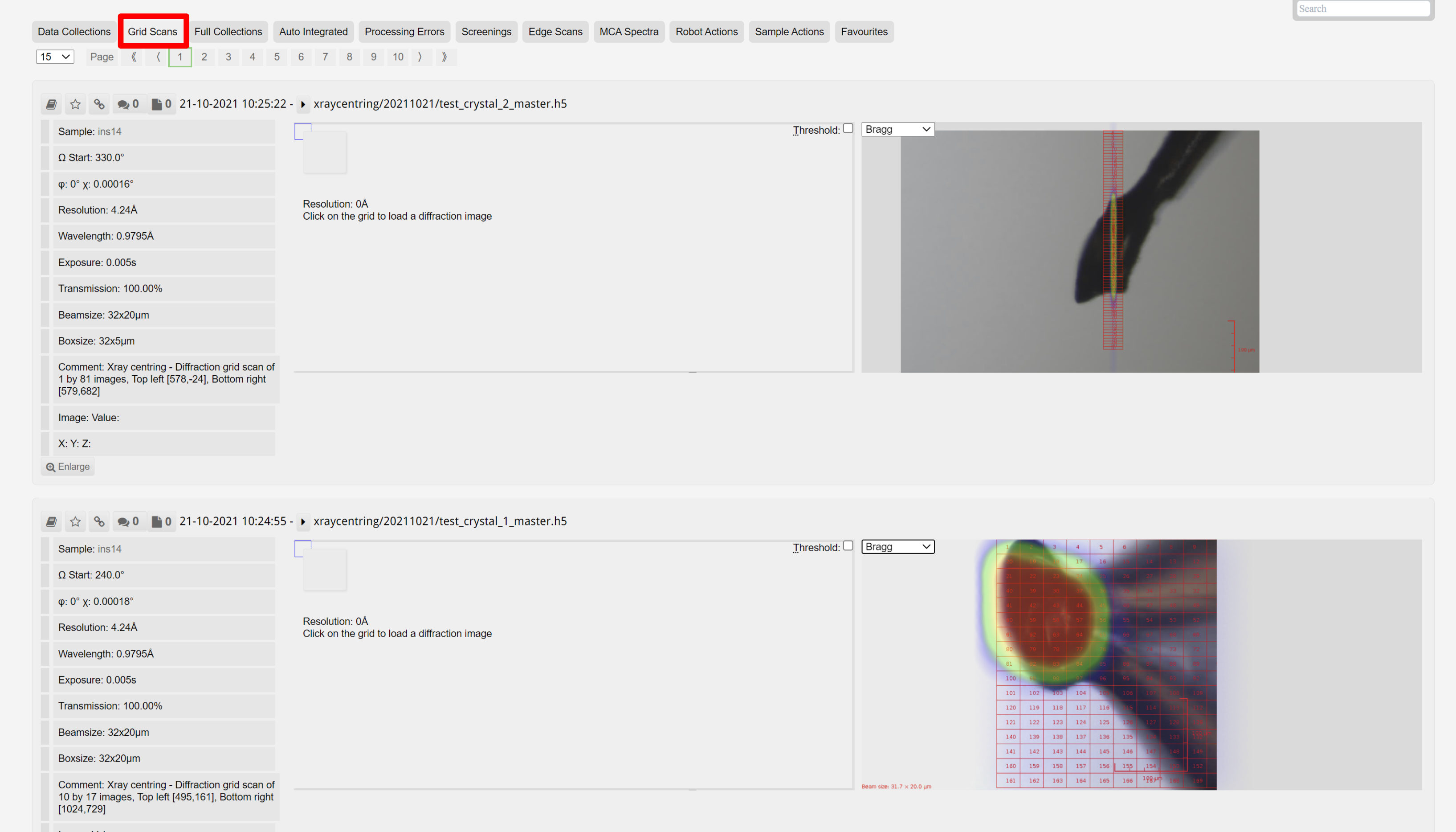
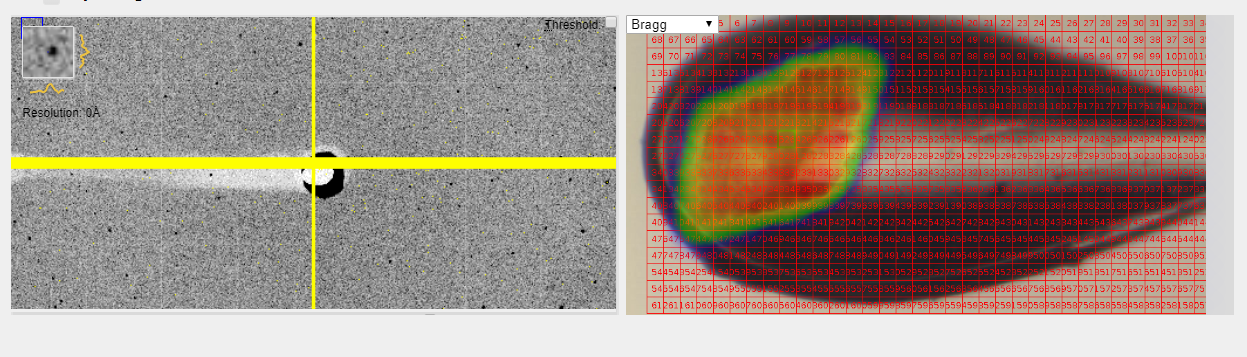
The heatmap is default set to show spots that are recognised as Bragg diffraction (as assessed by DIALS).
It is possible to show the total signal, number of spots, or number of Bragg spots. The Dozor score is no longer calculated and should be considered deprecated.
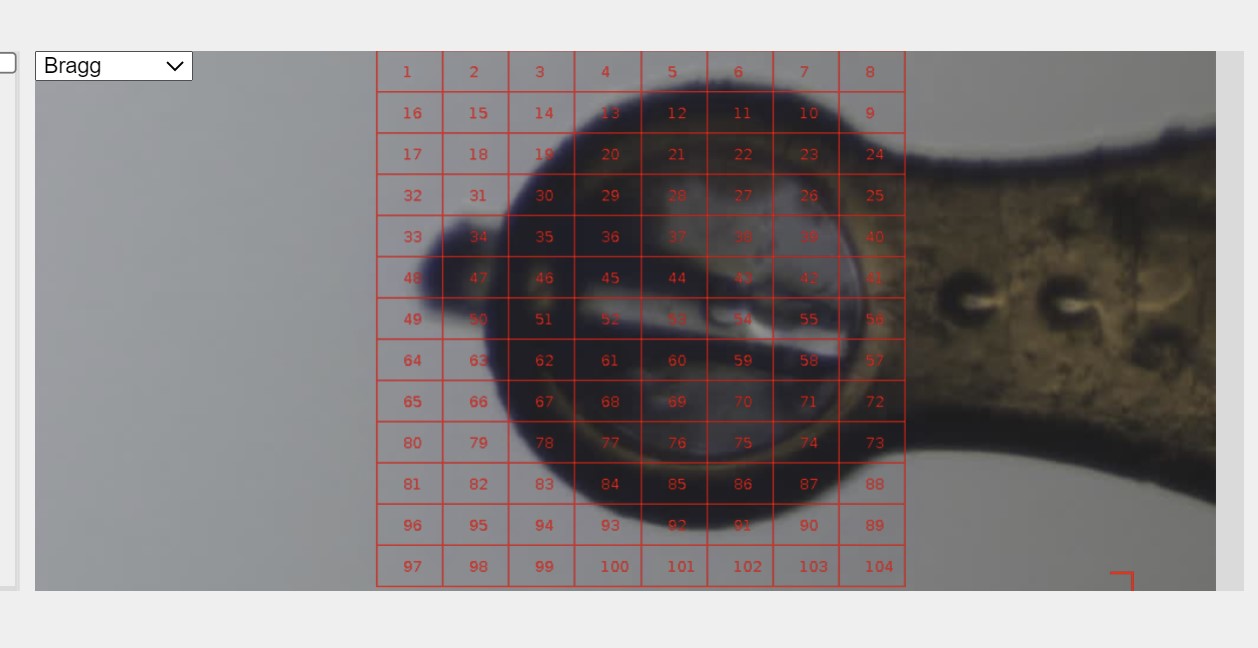
If the Bragg spot view is empty, it may be that the grid scan results were too weak to represent as a heat map - but often the crystal has been identified and thus centred. It may be that the Xray centring has not been successful, in which case the comment box on the beamline parameters will indicate a failure of Xray centring.

Note that the Xray Centring routine utilises the low resolution diffraction up to 5Å. In situations where diffraction is solely from ice or salt crystals, Xray Centring may fail despite seeing a heat map. This is expected behaviour, as we are aiming to centre on diffraction from protein, and this improves centring when both ice and protein diffraction are present.
It is possible to view the diffraction from each grid square, but these are low resolution JPEGs which should not be used to solely judge diffraction. You can read more about this on the page about viewing diffraction images.
3. Full Collections
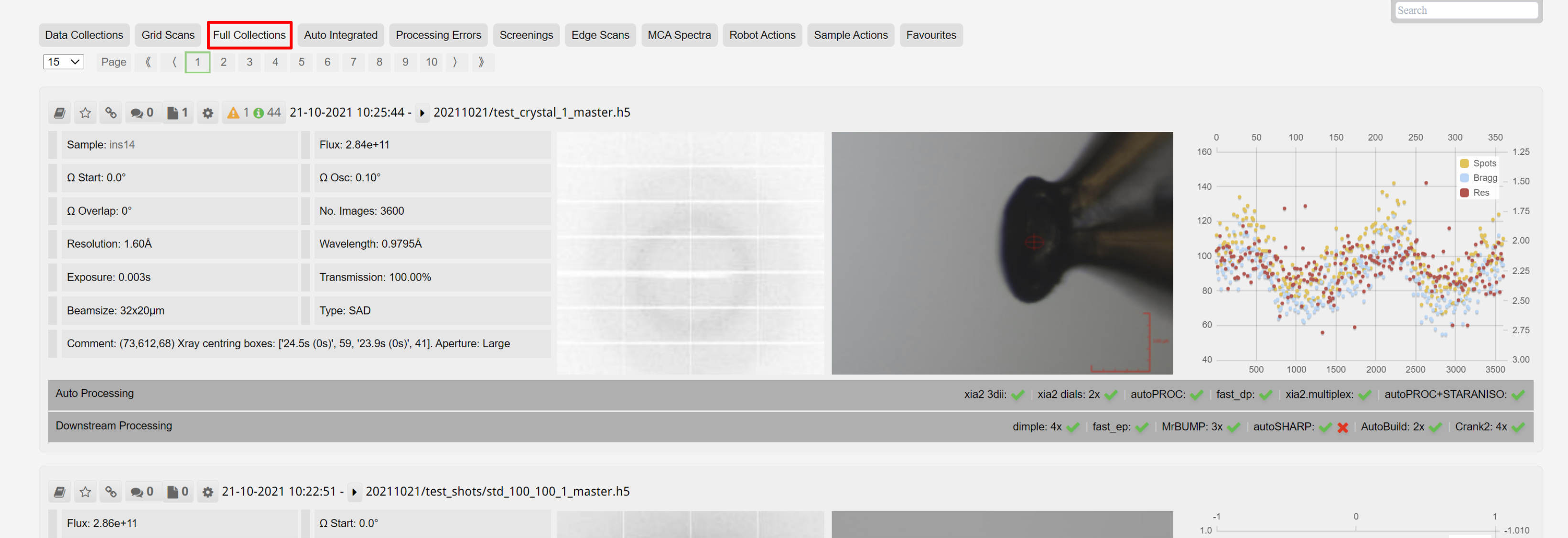
Shows only data collections.
4. Auto Integrated
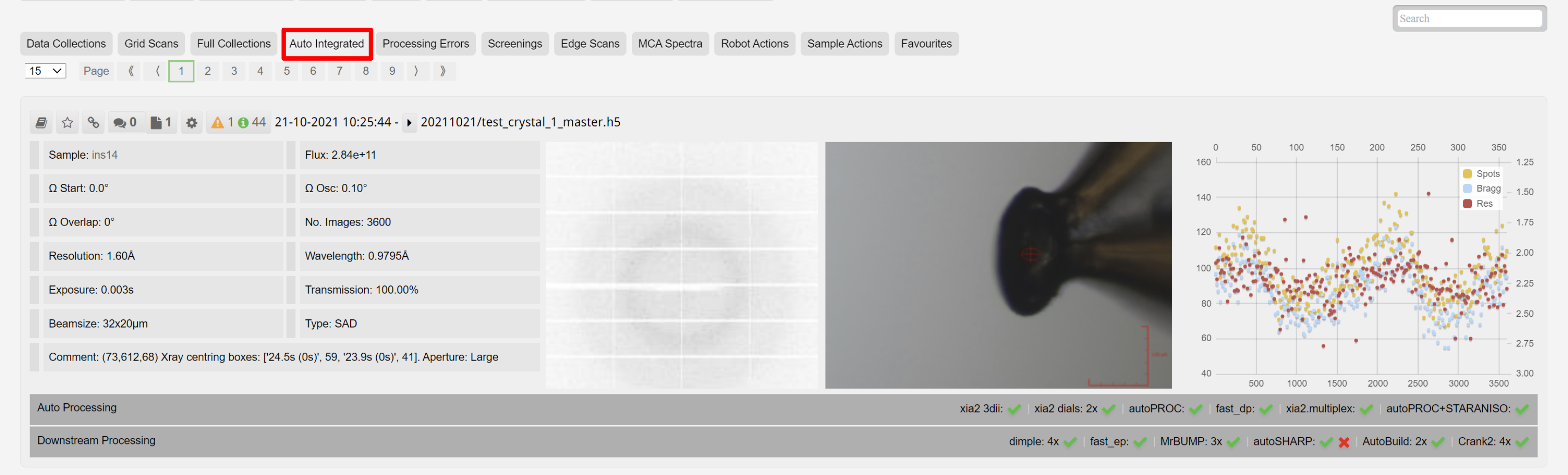
This subselects the datasets where autoprocessing has sucessful integrated the data collection:
5. Phasing
Selects datasets that have run one of the phasing pipeleines successfully.
6. Processing Errors
Selects out datasets with failures in autoprocessing.
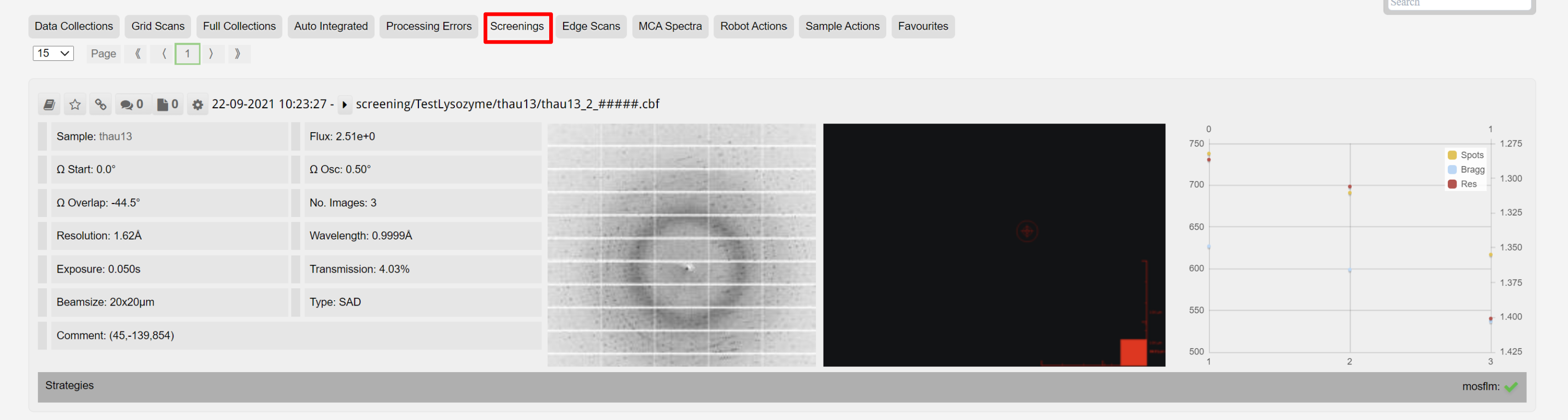
7. Screenings
Selects out the screening datasets:
8. Edge Scans
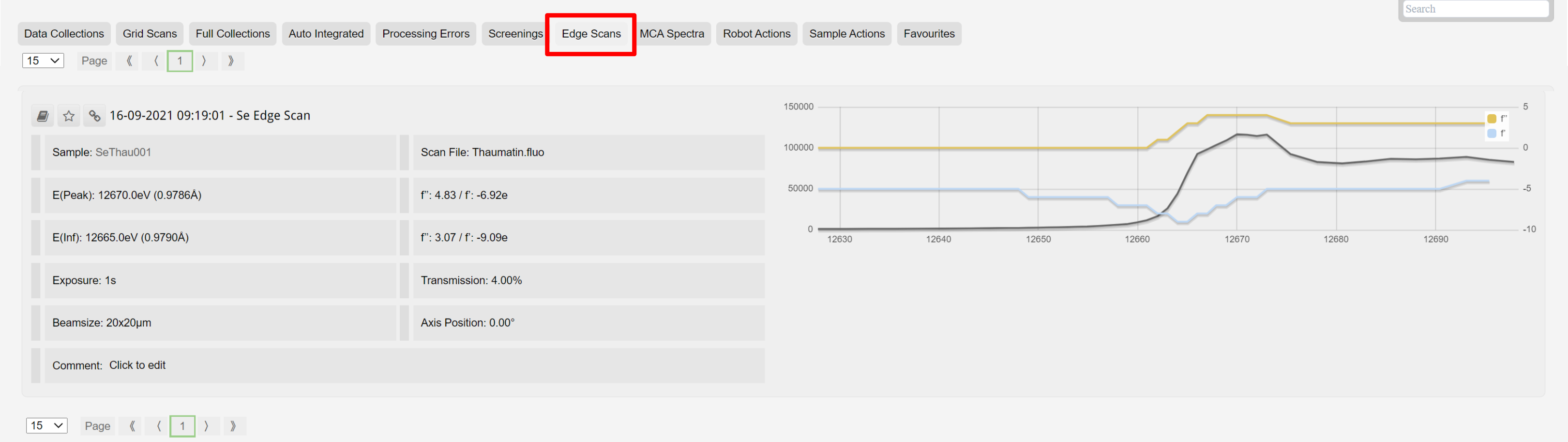
As with other data collection types, edge scans can be selected from the top bar for the visits. You can read more about edge scans on the Fluorescence Data page.
9. MCA Spectra
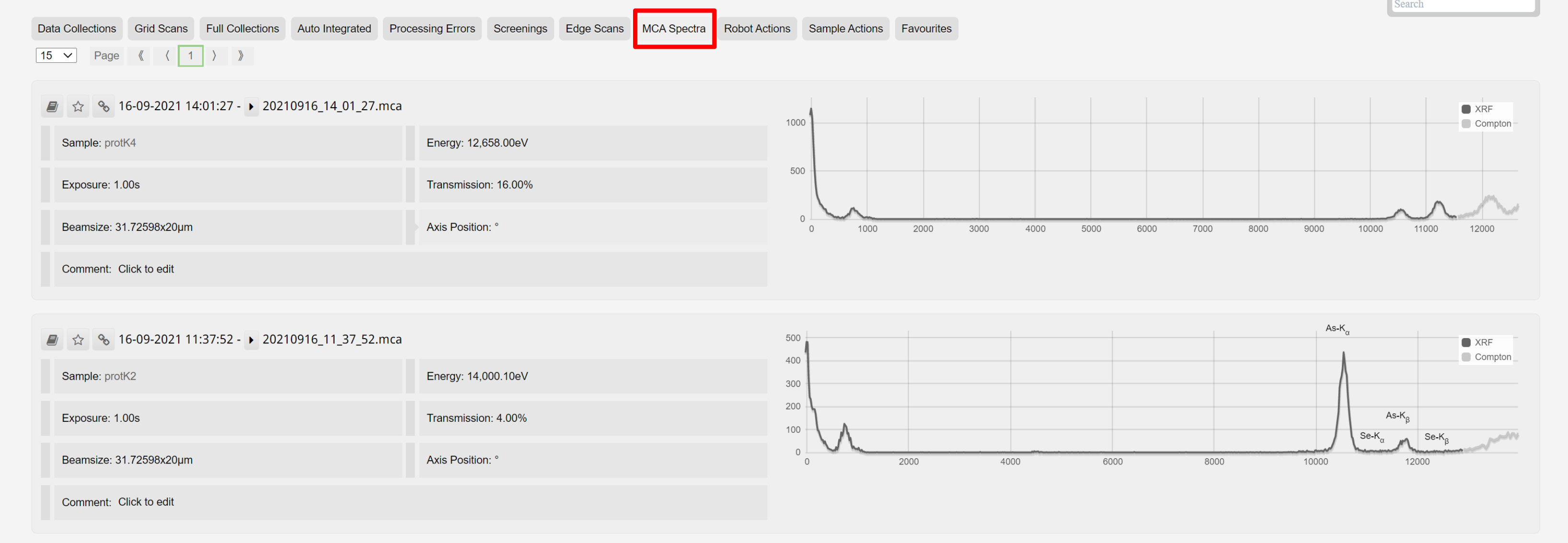
As with other data collection types, MCA spectra can be selected from the top bar for each visits. The spectra is the result of AutoPyMCA, and highlights the element and edge associated with each peak. You can read more about MCA spectra on the Fluorescence Data page.
10. Robot Actions
Each sample load is given a summary, It details the sample, images of the sample environment and the loop.

11. Sample Actions
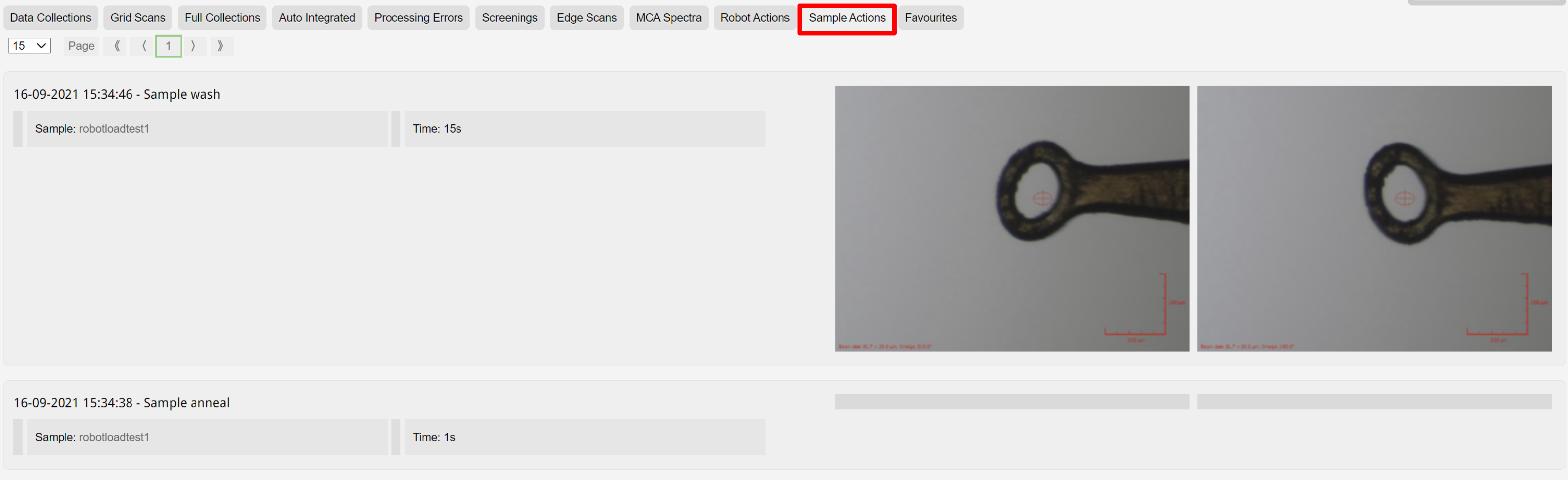
Actions such as sample washing and annealing are selected from the visit.
12. Favourites
Data sets, grid scans, and spectra of interest can be selected as favourites, by using the star icon:
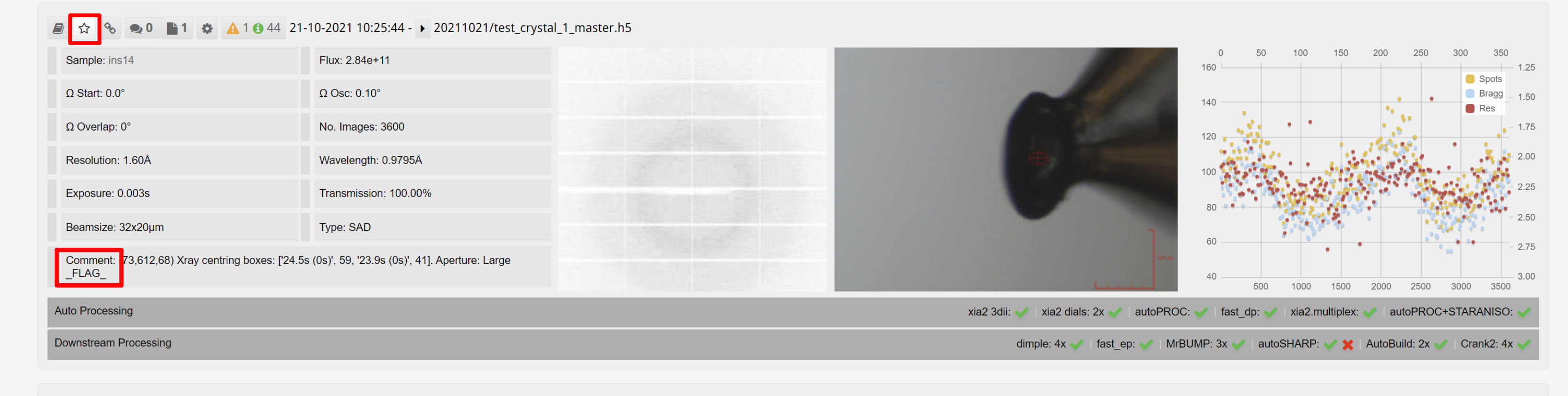
These can then be selected using "Favourites" button: