Webcams
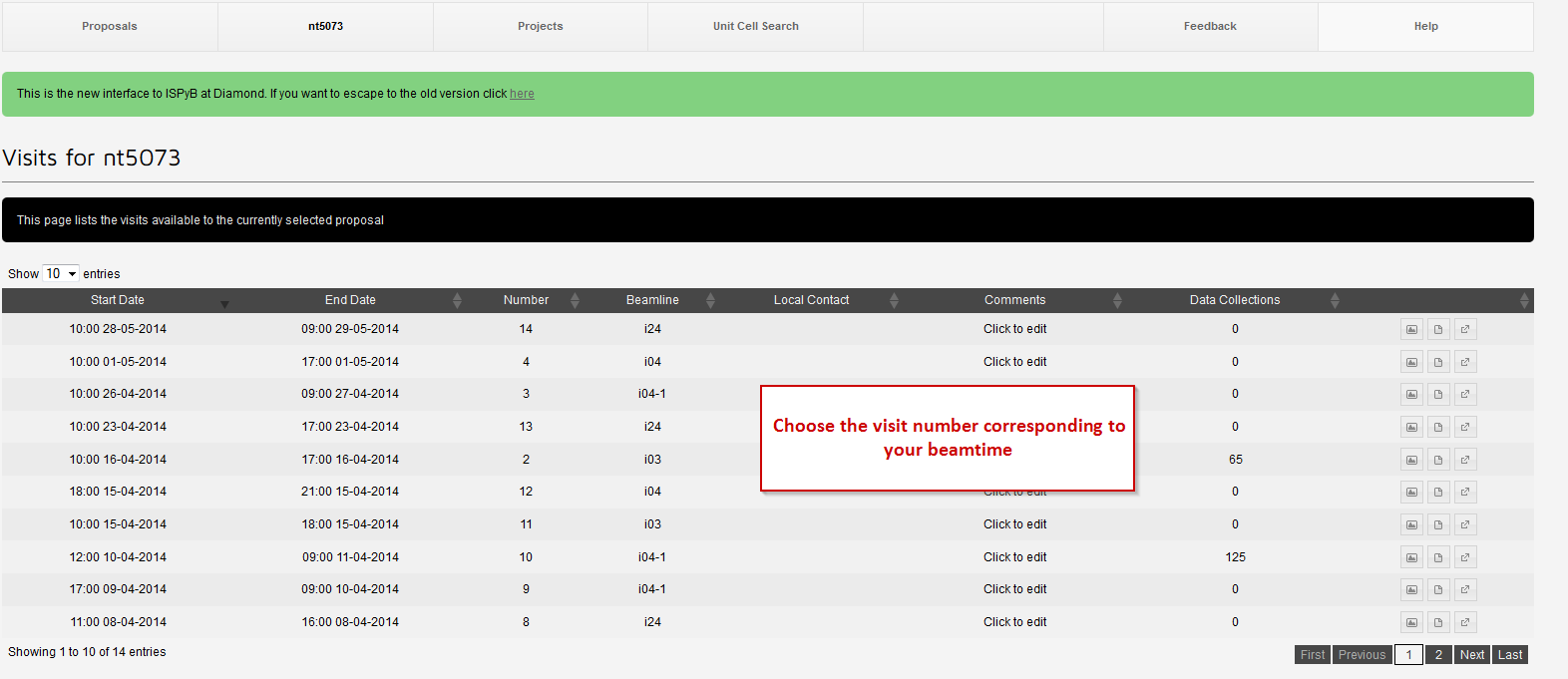
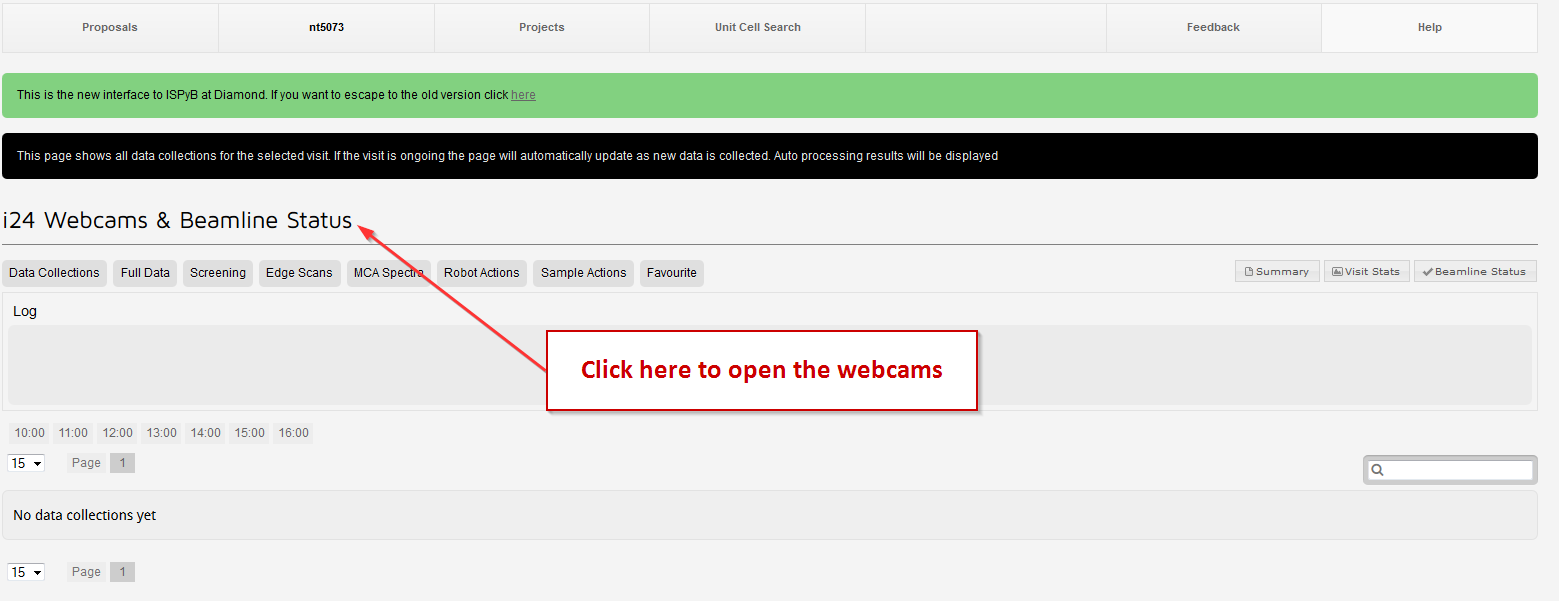
During an active session, you can view the sample position and robot webcams directly on ISPyB. Simply go to the visit link on the main page (or navigate to your proposal and select the visit), then click on “Webcams and Beamline Status” to display them.
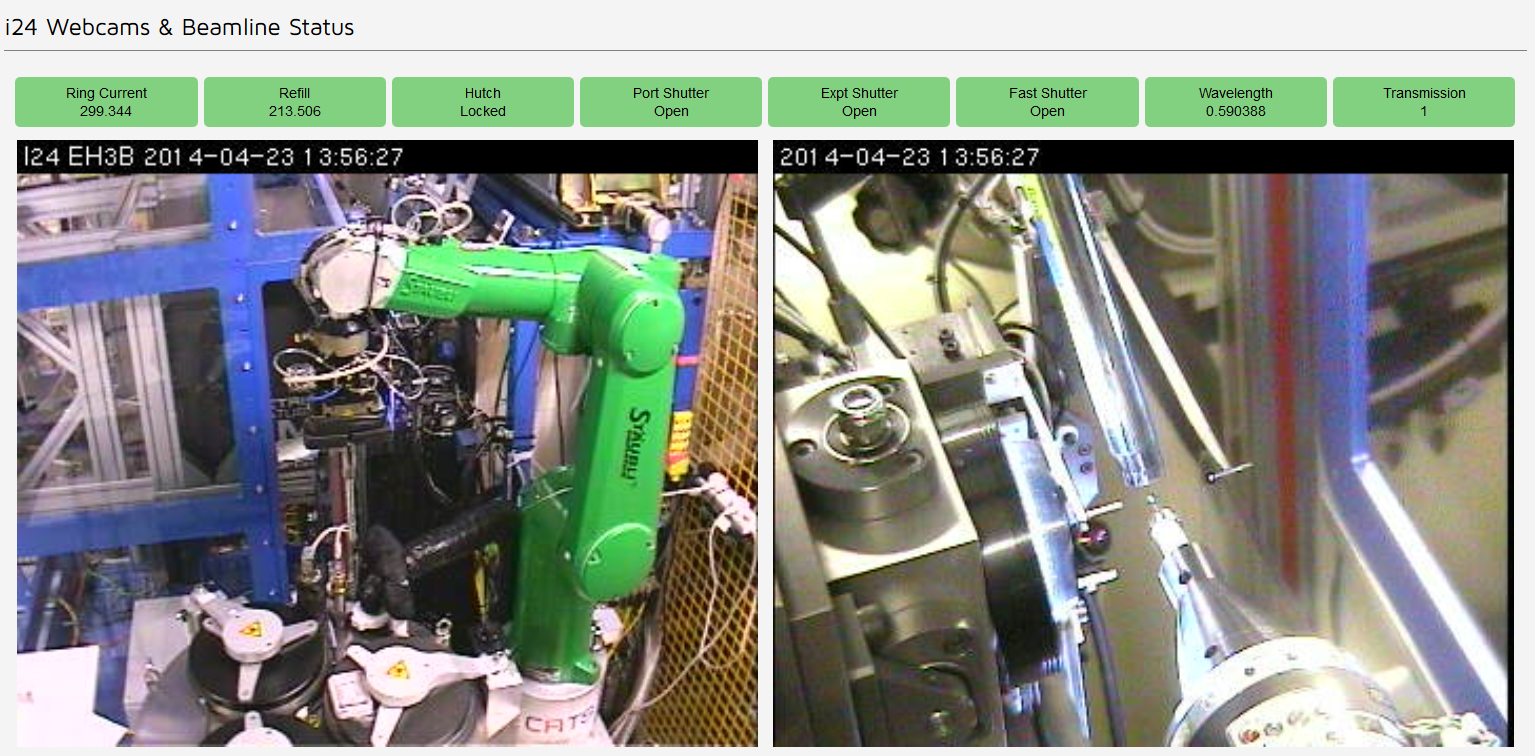
Note that using ISPyB to view the webcams uses less bandwidth and allows faster connection. The webcams in ISPyB are available only during your beamtime.
You can also have access to some of the webcams here, but note that these may only available once you are connected to our server ('nx.diamond.ac.uk') or when you are on site.
